BIG PICTURE DATA, SIMPLIFIED
Turning complex call center data into actionable insights anyone can understand with the power of AI —think bite sized Apple Fitness insights, but for a contact center
SERVICE /
UX DESIGN
CLIENT /
NICE CXone
YEAR /
2026
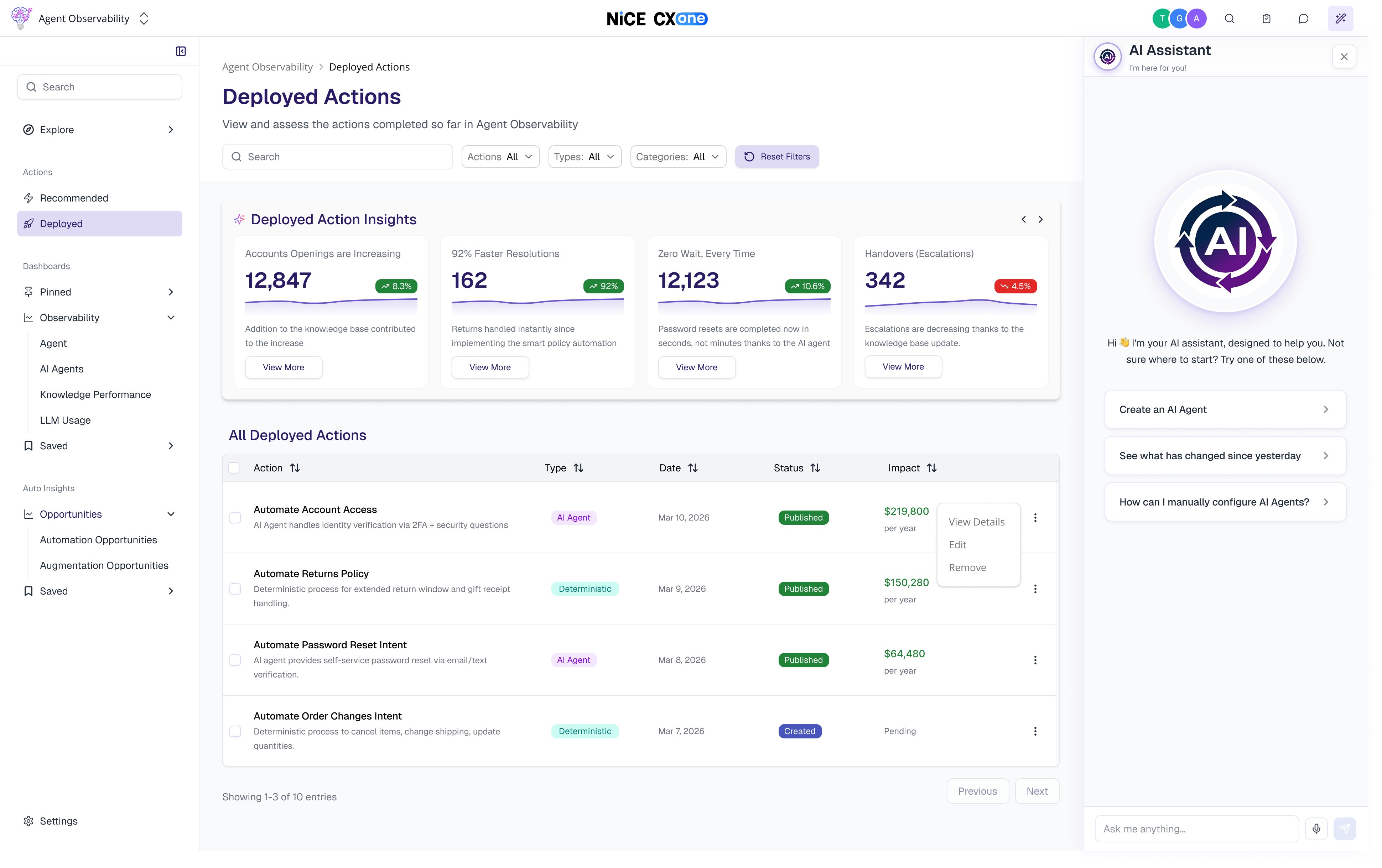
Our reporting suite was powerful on paper—packed with dashboards, drill-downs, and configurability. But in reality, call center administrators didn’t have the time to explore it. Reporting is only one part of their job, and most admins described the same problem:
“I don’t know what I don’t know.”
They wanted to use the platform more.
They wanted to understand their call center better.
But the depth of the tools and the time required kept getting in the way.
We needed to give administrators the whole picture without the overwhelm:
I set out to merge two worlds: powerful reporting + guided, actionable insights.
The vision was a system that didn’t just display data, but told you what mattered and how to fix it. A system that felt as intuitive and motivating as the best fitness apps—where you don’t get lost in numbers, you see clear goals and clear next steps.
The AI assistant became a core part of this:
I led the product strategy for the initiative and designed the Automation Opportunities feature end-to-end. My goals were simple:
This was the tool I wished existed when I worked in operations.
We built a unified experience that transforms raw data into clear, confident decision-making.
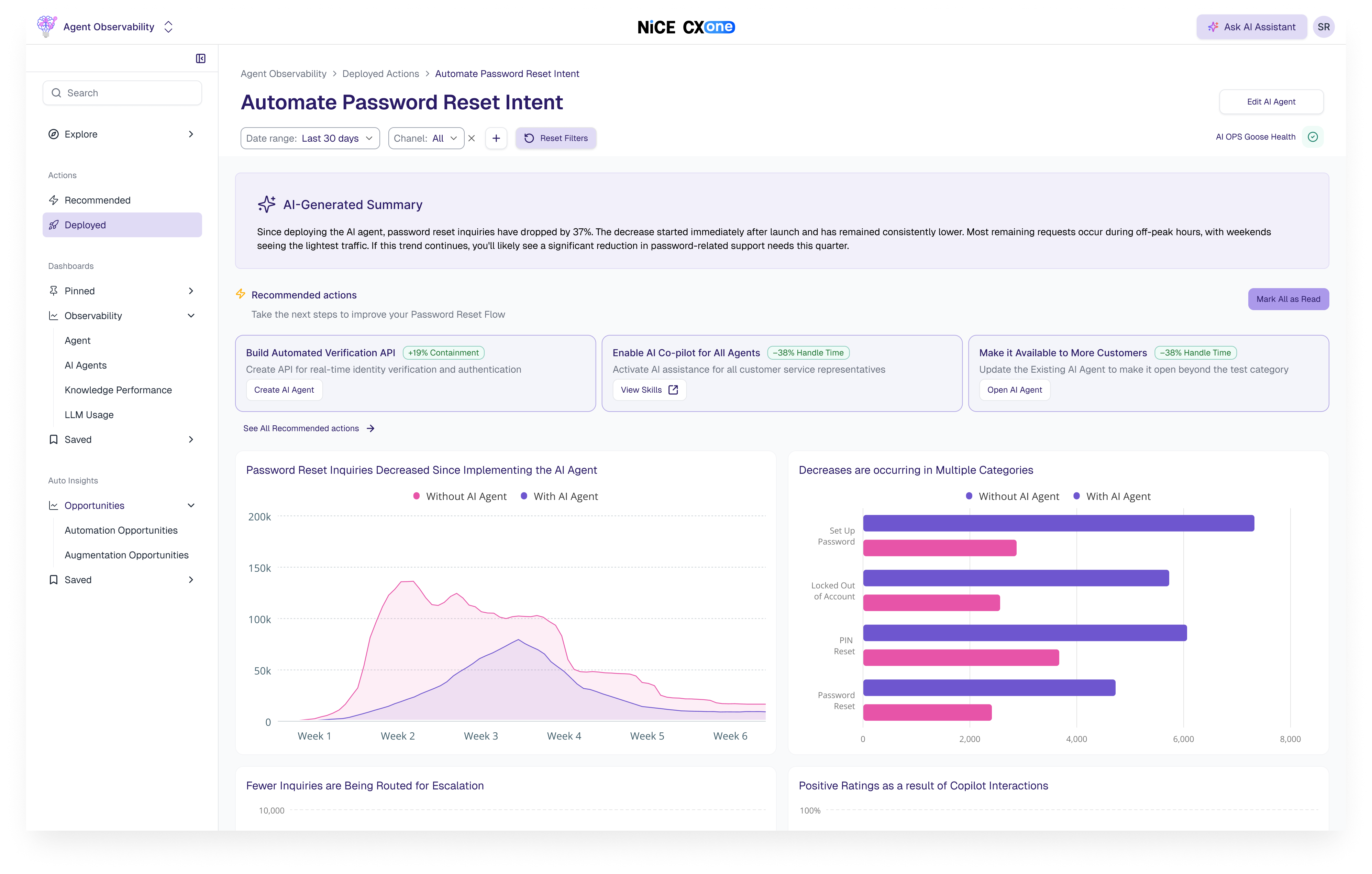
1. Natural Language Insights
Admins don’t need to interpret charts, they get a simple, human summary explaining what’s happening and why it matters. NLP makes the entire analytics layer conversational and accessible.
2. Data Confidence Through Evidence
One of the biggest findings from research: users hesitate to trust AI without transparency.
So every insight includes:
Admins can see exactly where conclusions came from, building trust without adding complexity.
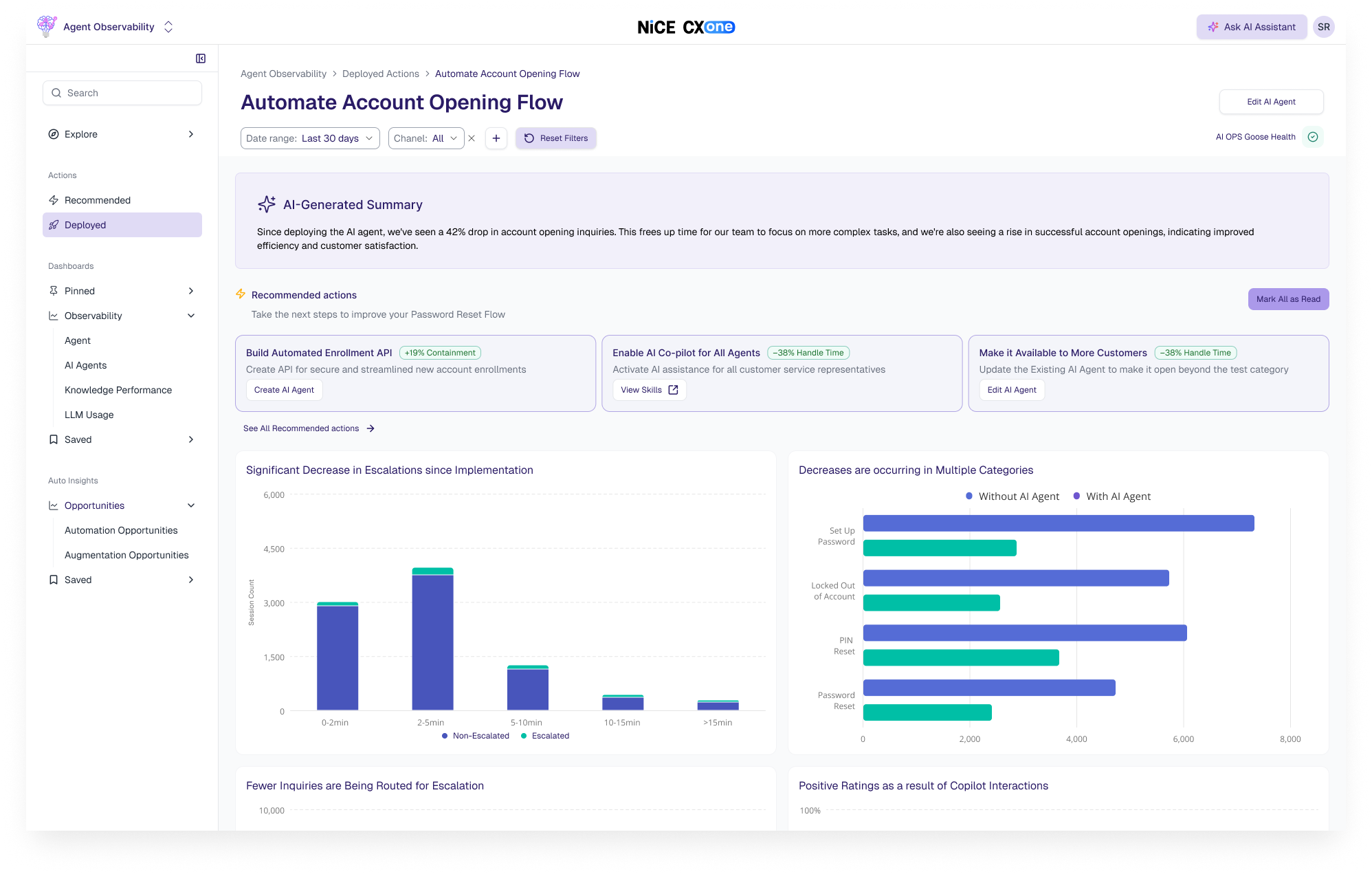
3. Actionable Recommendations Everywhere
Every view includes automatic suggestions for improving performance.
Examples:
Admins can immediately connect these actions to long-term financial impact.
4. Clear, Guided Automation Creation
When creating an AI agent or automation, admins see:
This level of transparency gives them the validation they need to take action confidently.
The new experience gives administrators what they’ve been missing:
For the first time, reporting feels less like a chore and more like a partner—one that helps admins run smarter call centers, improve customer experience, and contribute directly to company profitability.